
Import Formula
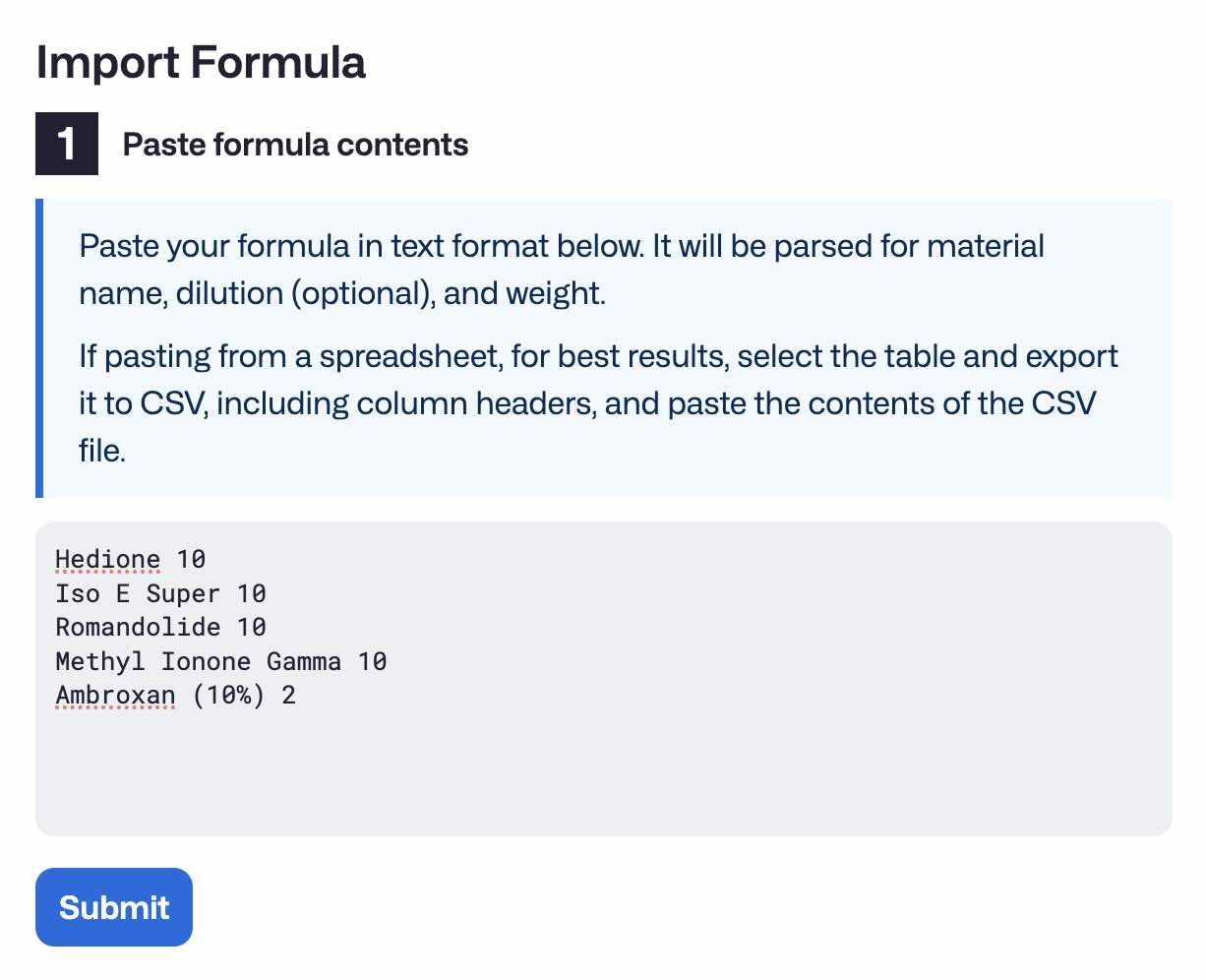
Molequles supports importing formulas from external sources in practically any "structured" text format (CSV, TSV, JSON, Markdown or similar)
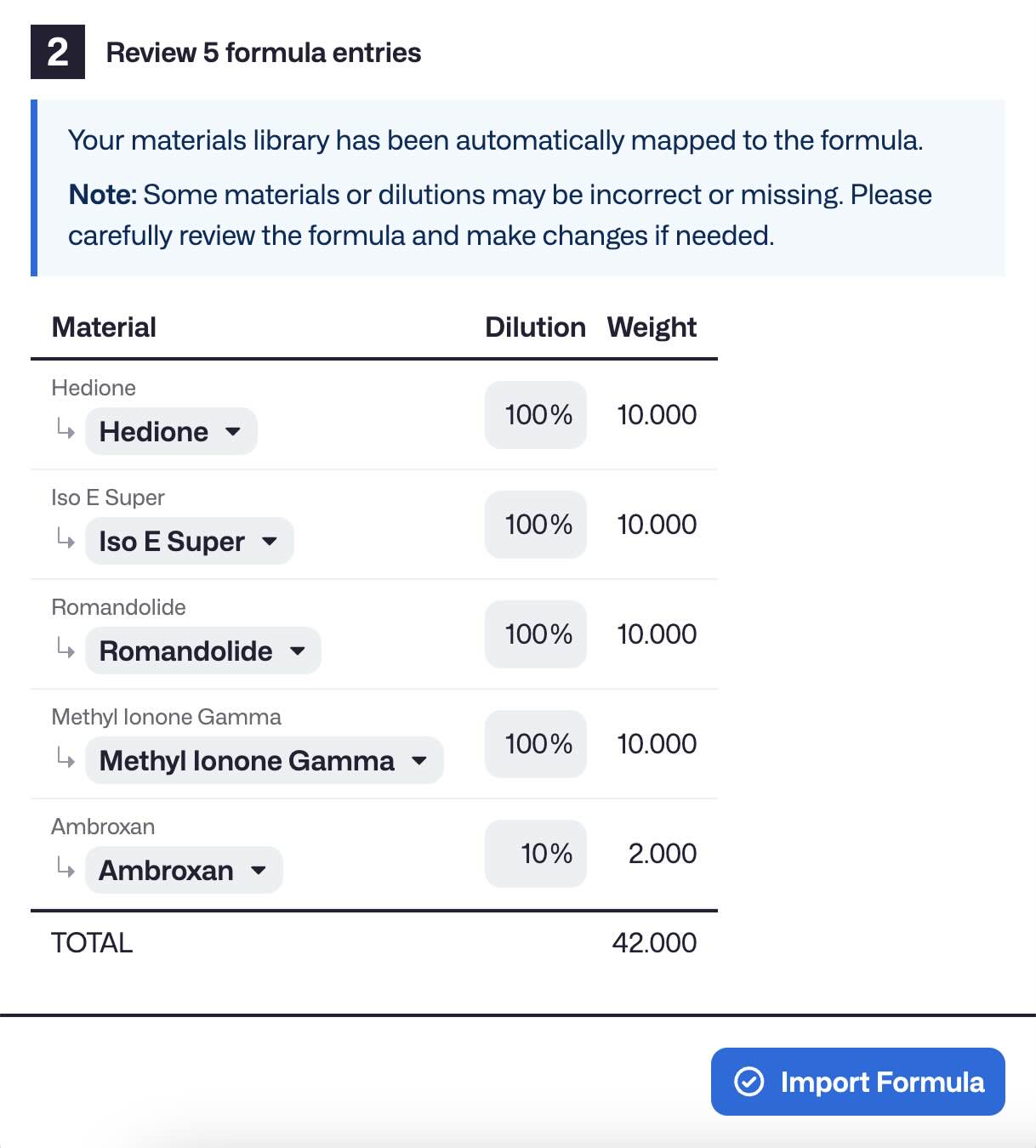
It does a best-effort approach to parse the formula and match it up with your materials library, making it super easy to import formulas from your existing spreadsheet or other source.
Overview
How it works
Molequles contains a built-in formula parser which is able to parse formulas in many formats purely through code.
In the event that the built-in parser is unable to successfully parse the given formula, Molequles will defer to an internal LLM, which uses the open source gpt-oss-20b model to normalize the formula before attempting to parse again.
This LLM is provided by Cloudflare's Worker AI service, which does not collect, share, or use any data for training. See Cloudflare Worker AI Data Usage Policy
The Molequles Cloudflare Worker code is open source and available in this GitHub repo.
Note: The LLM functionality is only available when using Molequles with an account to prevent abuse of the service. Thus, the "Offline Mode" in the desktop app only utilizes the built-in parser.